Times are changing, so we switched from an ancient i18n tool to a modern web-based translation tool. It’s name is Crowdin and you can find it under Crowdin.com. Now, if you want to help us for internationalizing the Fakturama application, please follow these steps:
At first, sign up a new Crowdin account (or log in with your current credentials, if you have one). If you have a user login, please inform the project maintainer so that he can invite you to the Fakturama project translators.
If you’ve accepted the invitation and logged into your Crowdin account, you will see the following dashboard (or a similiar one, depending on your other projects):
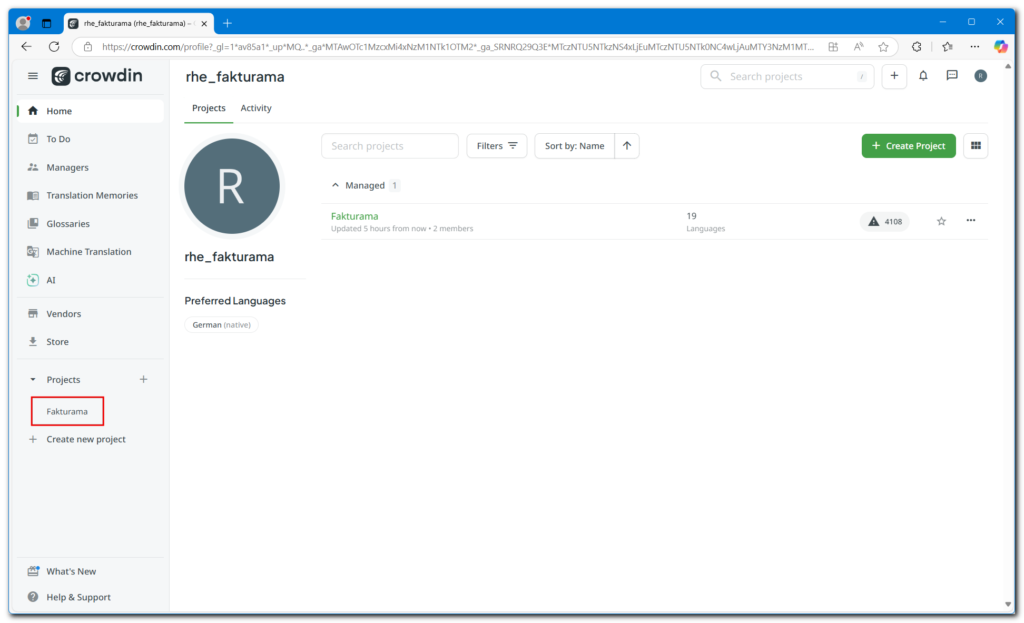
Click on the „Fakturama“ entry under „Projects“. You will get the next screen showing all available languages:
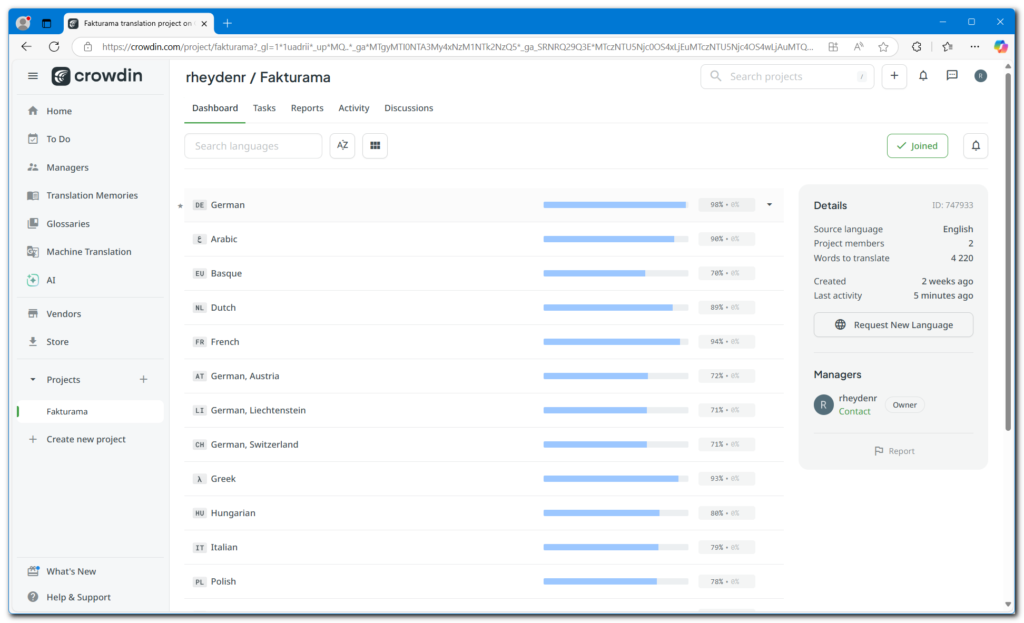
Select the language you choose to translate in (e.g., Hungarian language):
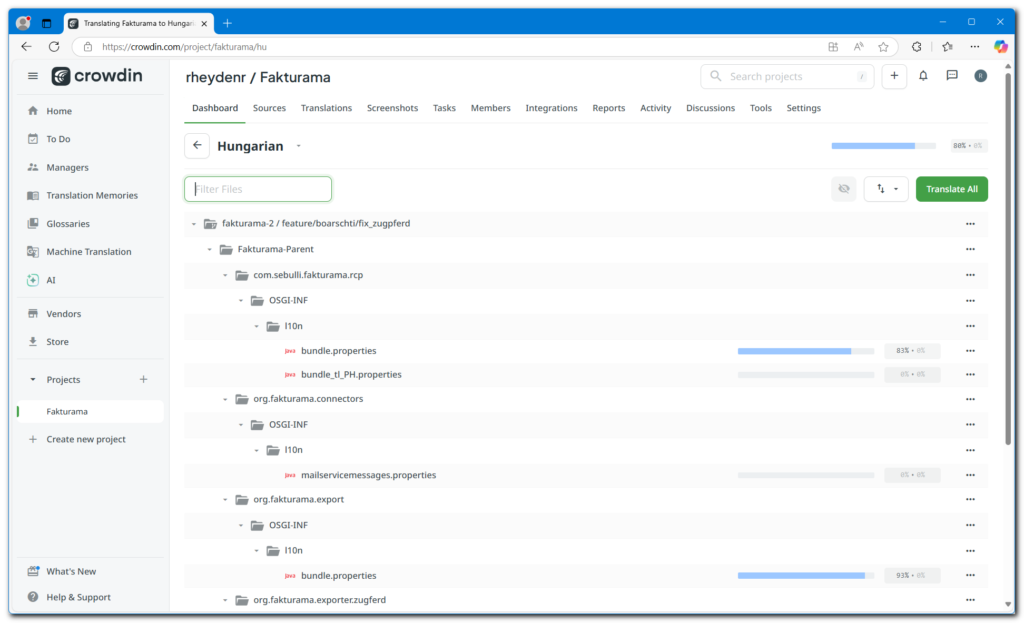
You will see all available parts of the Fakturama project which have a translation file. So you can double click on a properties file (e.g., bundle.properties) and you get a view with all translatable strings:
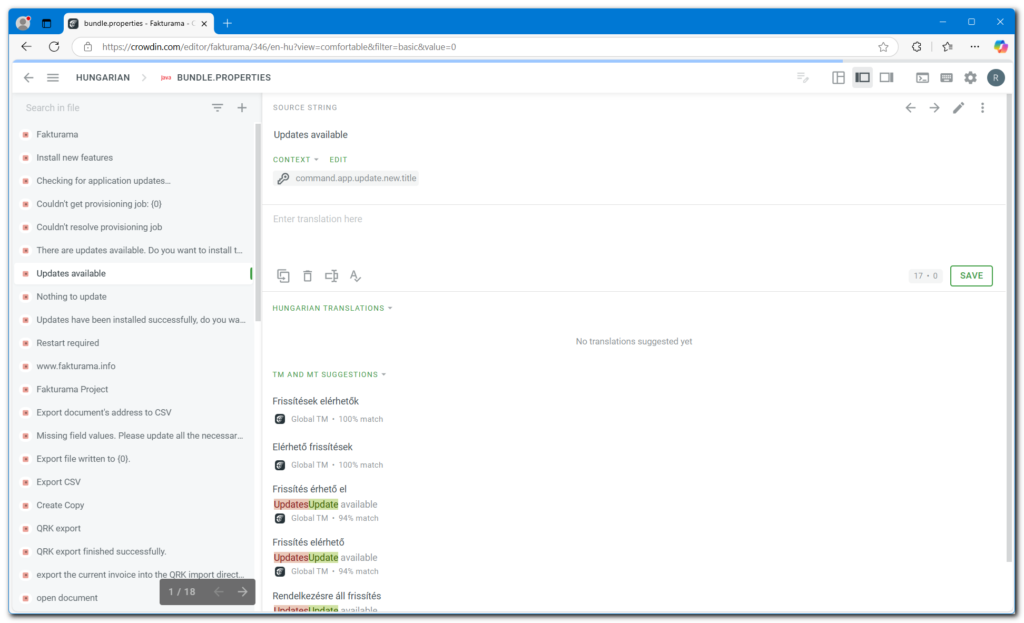
If you select one of these entries, you see the origin phrase (at most in English) and below you can enter the translation in your selected language. At the bottom of the screen you can see (sometimes) machine translated proposals for the selected string. You can use them if you click on it.
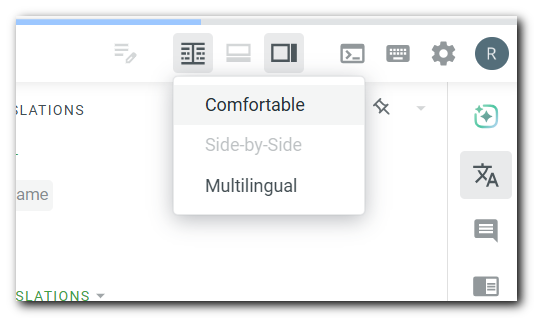
All entries with a red square aren’t translated, yet. You can switch to „Comfort view“ with this icon:
After adding a translation, either you can switch to the next entry (with arrow icon on the upper right corner), or you can save all translated entries so far:
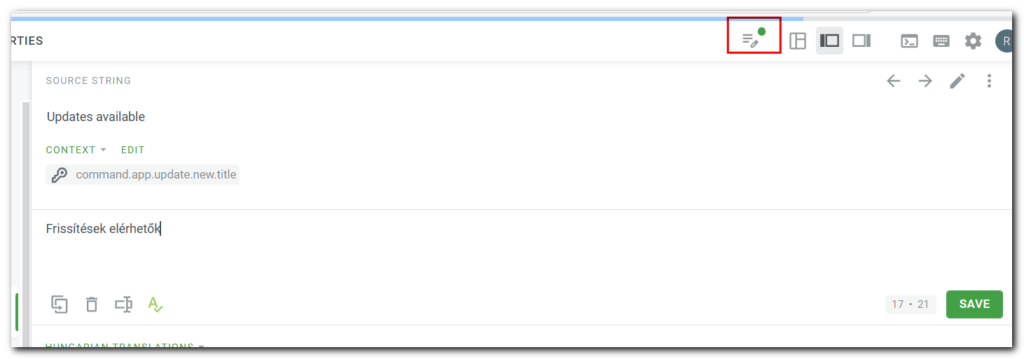
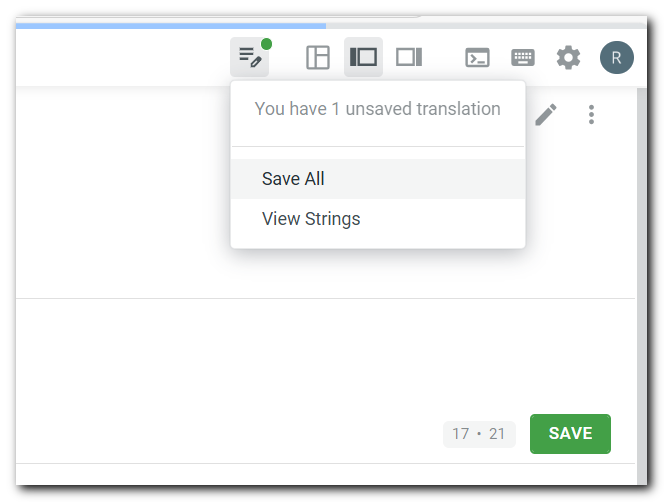
You can save the current entry with the „Save“ button or use the marked menu icon and choose „Save all“:
That’s all – no installation of any additional tool, no more fiddling around with tons of files. Simply use it. You are invited to help us with your language :-).


